
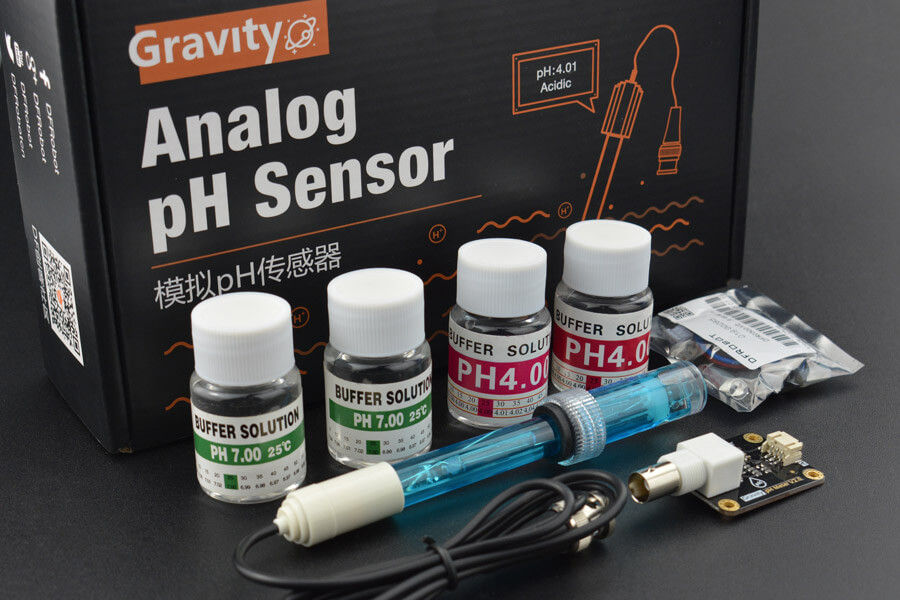
The first sensors that come to mind when wanting to monitor the quality of water are for its temperature and pH. This post will cover the latter, the pH sensor.
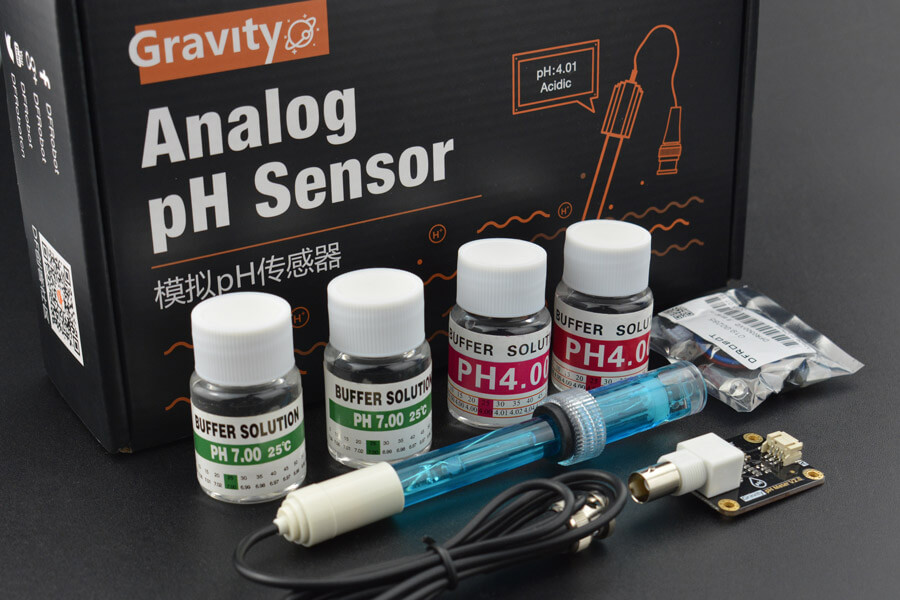
Seeing as H2OSupport will be operated by an Arduino microcontroller, there’s only so much it can do. Microcontrollers can send and receive electronic signals. Therefore, the type of sensors that H2OSupport will work best with are analog sensors. This means that, for example, when measuring the acidity of a liquid, the sensor won’t be able to send the pH value to the microcontroller, but rather a certain voltage.
With the pH scale (1 to 14), we can then to match each number of the scale to a certain voltage, returned by the sensor. For example, maybe an acid will be 0.3V, and a neutral 7 on the scale will be 0.9V. With these two points of data, we could then map out on a graph what voltage corresponds to what pH value with a linear function.
To calibrate the sensor, this kit [1] comes with 2 sets of two buffer solutions. The sensor is connected to the microcontroller (a simple code that will return the voltage of the sensor is already implemented) and then dipped into a solution. All that is left to do is read the voltage measurement for both solutions and graph the function, as explained above. We now know, approximately, what voltage corresponds to what pH value with this specific sensor.
Sources
[1] DFRobot, “Gravity: Analog pH Sensor/Meter Kit V2”, DFRRobot. [Online]. Available: https://www.dfrobot.com/product-1782.html

 H2OSupport